OctoCheck v1 is live
OctoCheck, a Chrome extension that checks how AI search engines read a web page, is now in the Chrome Web Store.
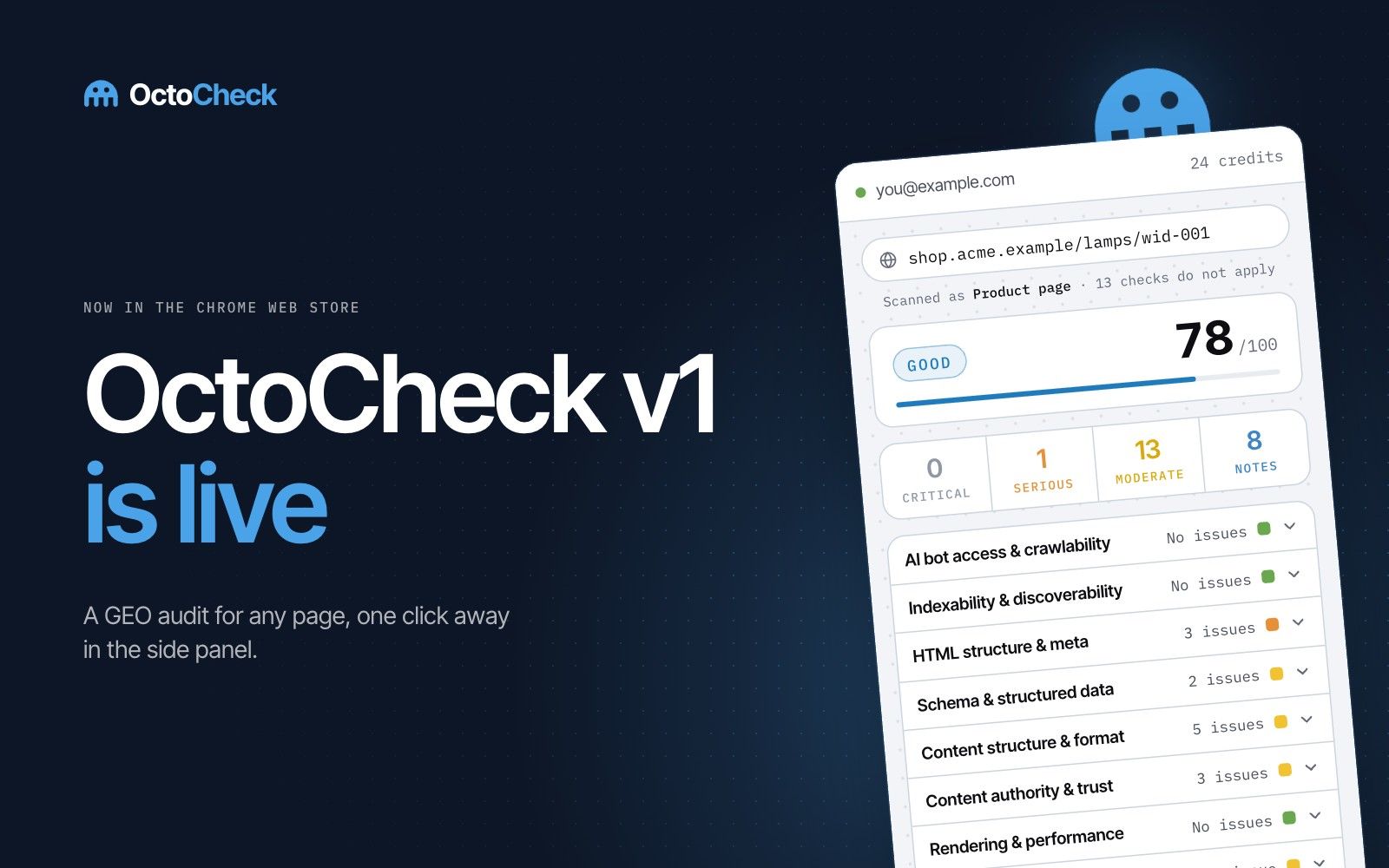
OctoCheck is a Chrome extension that audits the page you have open and reports whether systems like ChatGPT, Perplexity and Google AI Overviews can read it, trust it and cite it. You can install it from the Chrome Web Store.
The page gets a score from 0 to 100, and each issue comes with an explanation and a suggested fix. A link under each issue opens a guide in our library with the reasoning and sources.

What it checks
Version 1 has 125 checks in eight areas: access for AI crawlers, indexing, page basics, structured data, content structure, trust signals, rendering and speed, and newer AI standards such as llms.txt.
The audit takes the page type into account. A product page and an article are not held to the same rules, and the report shows which type was detected and how many checks were skipped.
It also compares the page as the server sends it with the page your browser builds after running scripts. Many AI crawlers only read the first version, so text or structured data that appears later may never reach them. More on this in our guide to JavaScript rendering for AI.
Free and Pro
100 of the checks are free. They run in your browser, with no account and no scan limit.
The other 25 are Pro. The free audit checks what your page declares; Pro reads what it actually says. An AI reads your copy the way answer engines do, weighs your trust signals, looks inside your images, and fetches your page the way AI crawlers see it. Until these checks run, the score is shown as a range.
Pro also takes the report out of the panel: share it as a link, download it as a file, or hand it to your AI assistant as Markdown. It starts with a free trial.
Feedback
This is the first public version. If something is wrong, unclear or missing, write to support@octocheck.ai